
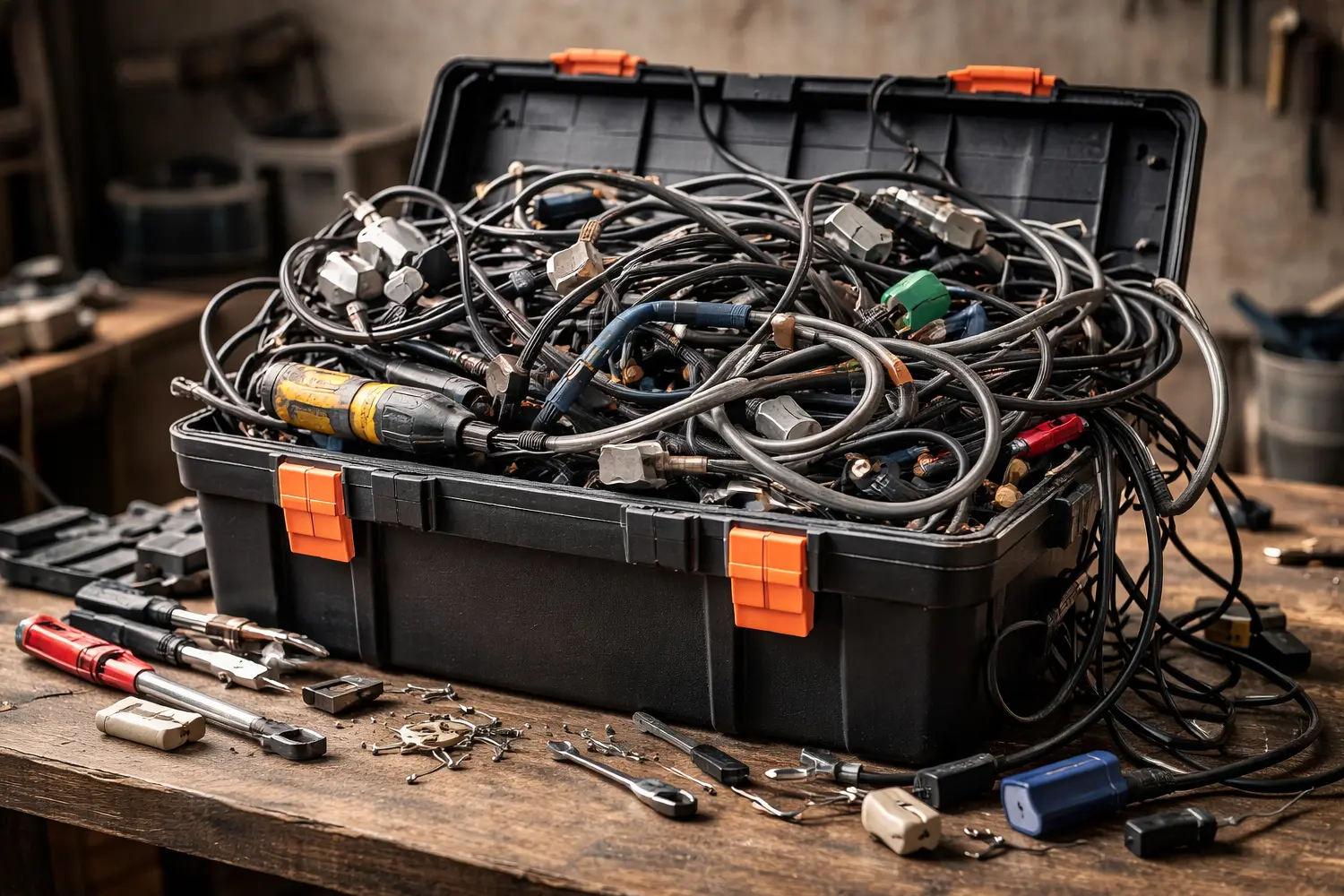
There are two ways a website evolves.
One is designed: clear scope, a roadmap of features, and a sensible order of implementation.
The other is… emotional. It goes something like: “Let’s add a plugin – it’ll be faster.” And to be fair, it often is. Until it isn’t.
This is how too many WordPress plugins happens. Not because plugins are bad, but because “add another plugin” becomes the default strategy – instead of an architectural decision.
Plugin bloat and dependency hell: the quiet start of a loud problem
In theory, each plugin solves a single problem. In practice, it often solves one thing and quietly introduces several more:
- extra scripts and styles on the front end (overhead)
- extra database writes, options, transient data, and background jobs
- new dependencies on the theme, builder, or other plugins
- more moving parts in the update path
That’s where dependency hell begins: a place where one update nudges a chain of unrelated things, and “routine maintenance” starts feeling like defusing a device with invisible wires.
Duplicate solutions: two sliders, three caches, and a “mystery” form plugin
The most common cause of plugin bloat is surprisingly simple: a new requirement appears, so a new plugin gets installed – without checking whether the same function already exists in the stack.
This is how websites end up with:
- multiple caching layers that “optimise” each other into confusion
- several form builders because each was “best for one form”
- overlapping SEO tooling because each has a feature someone couldn’t find in the other interface
On paper, it looks like growth. In real life, it’s how control slips away.
Compatibility and conflicts: why the site develops moods
WordPress evolves. Themes evolve. Builders evolve. PHP evolves. Plugins evolve – at different speeds, with different standards, and with different levels of testing.
This is why plugin compatibility is not a checkbox; it’s a workflow.
As the plugin count rises, so does the chance of:
- CSS collisions (layout “mysteriously” shifting)
- JavaScript conflicts (features working until a page becomes “busy”)
- admin slowdowns (the back office feeling like it’s moving through syrup)
And once things break, the worst phrase appears: “It worked yesterday.”
Yes. Yesterday’s setup is a different ecosystem.
Query load and database weight: the invisible cost of “just one more”
Performance issues rarely arrive with sirens. They usually creep in:
- page generation becomes heavier
- the admin area slows down
- search and filtering become inconsistent
- hosting resources get squeezed
Often, the underlying culprit is query load: a growing volume of database calls and background operations. Some plugins are lightweight and clean. Others are… enthusiastic about writing data everywhere.
This is not only about speed. It’s also about maintainability – because diagnosing performance in a bloated stack becomes a time tax.
Maintenance burden: when “simple” becomes a monthly commitment
More plugins means:
- more updates
- more regression testing
- more conflict risk
- more dependence on third-party authors and timelines
That’s the maintenance burden. The site isn’t “done”; it’s now a small system that needs care to remain stable.
And this is typically the moment when the conversation naturally touches backups and recovery – not as a side quest, but as the consequence of complexity. A gentle internal link to a dedicated backups article fits here perfectly: “this is where backup and restore planning stops being optional.”
Our quality-first approach: fewer plugins, better plugins, clearer responsibility
Plugins are tools. Tools are fine – when they’re chosen like partners, not like impulse purchases.
In practice, what tends to work best:
- prioritising reputable, actively maintained plugins
- preferring solutions with a clear support model (often premium, or with a credible premium path)
- avoiding no-name add-ons with unclear update history
- reducing overlap: one role, one tool
- checking impact on front end, database, and the update path
The goal is not “zero plugins”. The goal is control.
The point: more random plugins means less control
When a website “does everything through plugins”, it usually ends up doing:
- a bit too much
- a bit too slowly
- and sometimes for reasons nobody can fully explain
Professionalism starts where the stack becomes intentional: planned features, measured trade-offs, and responsible tooling.
Because the real luxury isn’t “one plugin for everything”.
It’s knowing exactly what the site does – and being able to change it without fear.